Vibe Coding, Design
Designers to Follow on X for Design Inspiration

You've shipped something real. Maybe you've already worked through our design tips for your vibe coded project and our practical guide to design for AI builders, and your app is starting to look less templated.
Taste isn't a checklist. It's pattern recognition you build by seeing thousands of well-made interfaces until “good” becomes obvious and “off” makes you wince. You can't shortcut that—but you can accelerate it.
The fastest way to accelerate it is to fill your X feed with the people who obsess over this stuff. X is still where design engineering happens out loud: teardowns, before-and-afters, open-source components, and “here's exactly how we built this” threads, posted daily by the people making the products you're trying to emulate.
Here are 25+ designers, design engineers, and educators worth following—grouped by what they'll teach you—plus how to turn X from a doomscroll into a genuine design research tool.
Taste isn't a checklist. It's pattern recognition you build by seeing thousands of well-made interfaces until “good” becomes obvious and “off” makes you wince. You can't shortcut that—but you can accelerate it.
The fastest way to accelerate it is to fill your X feed with the people who obsess over this stuff. X is still where design engineering happens out loud: teardowns, before-and-afters, open-source components, and “here's exactly how we built this” threads, posted daily by the people making the products you're trying to emulate.
Here are 25+ designers, design engineers, and educators worth following—grouped by what they'll teach you—plus how to turn X from a doomscroll into a genuine design research tool.
Join the Vibe Coding Community
Swap builds, trade feedback, and ship faster alongside other people vibe coding.
Design Engineers: The Sweet Spot for Vibe Coders
This is the crossover discipline—people who design and ship the code. For vibe coders it's the highest-signal group on this list, because they think in the same React, Tailwind, and component terms your AI tools generate in.
Emil Kowalski — @emilkowalski
Design engineer at Linear (ex-Vercel) and creator of the animations.dev course, plus the Sonner toast and Vaul drawer libraries you've probably already used. The single best follow for learning when—and when not—to animate. His rule of thumb, “speed beats delight; decide what not to animate,” is exactly the discipline that separates polished apps from over-animated AI slop.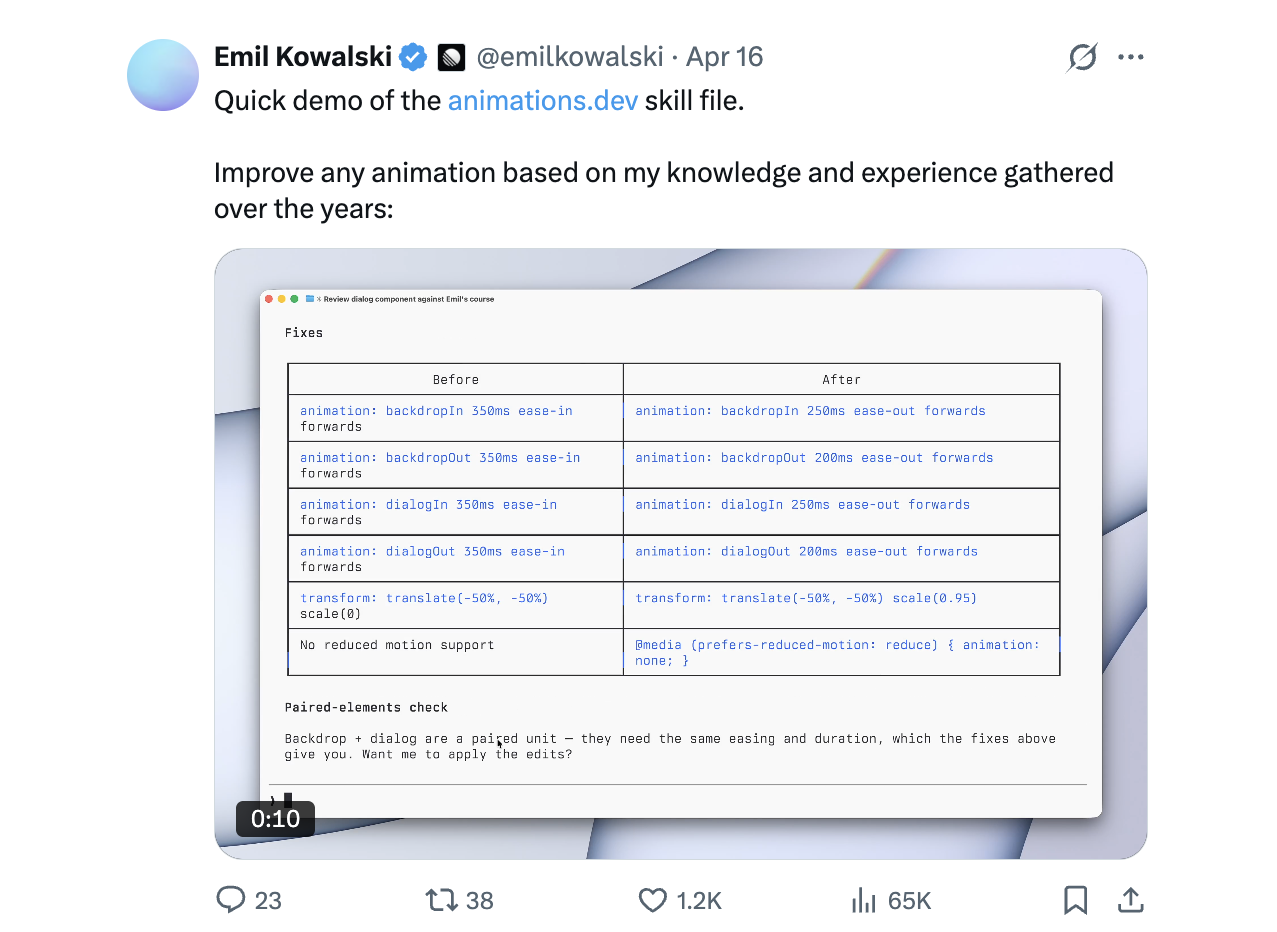
Rauno Freiberg — @raunofreiberg
Design engineer at Vercel (ex–Browser Company / Arc) and author of “Devouring Details.” Obsessive about the micro-details—focus states, hover, keyboard navigation, spring physics—that make software feel expensive. Follow him to understand why a Linear-grade UI feels different from a default template even when you can't name what's different.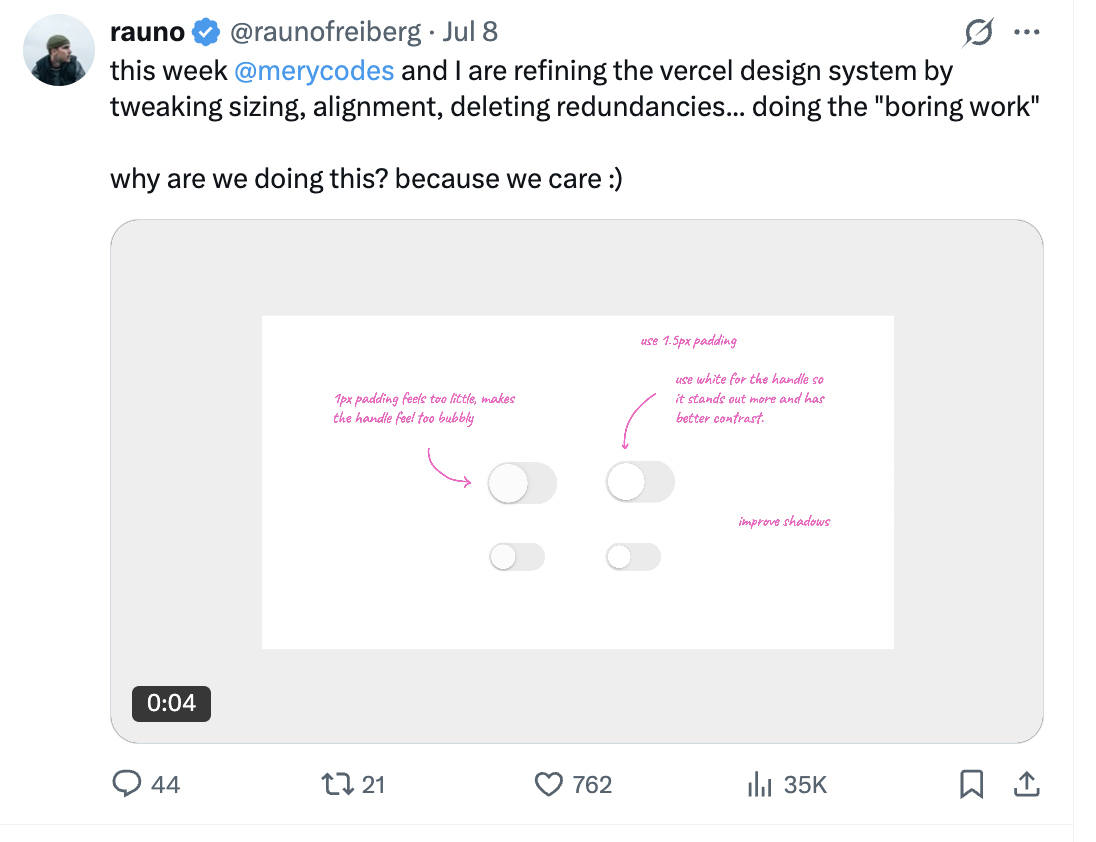
shadcn — @shadcn
Design engineer at Vercel and creator of shadcn/ui, the component library that v0, Lovable, and most AI tools reach for by default. If your generated code is full of shadcn components (it almost certainly is), this is the source. Learn to theme, extend, and recombine them so your app doesn't look like every other shadcn default.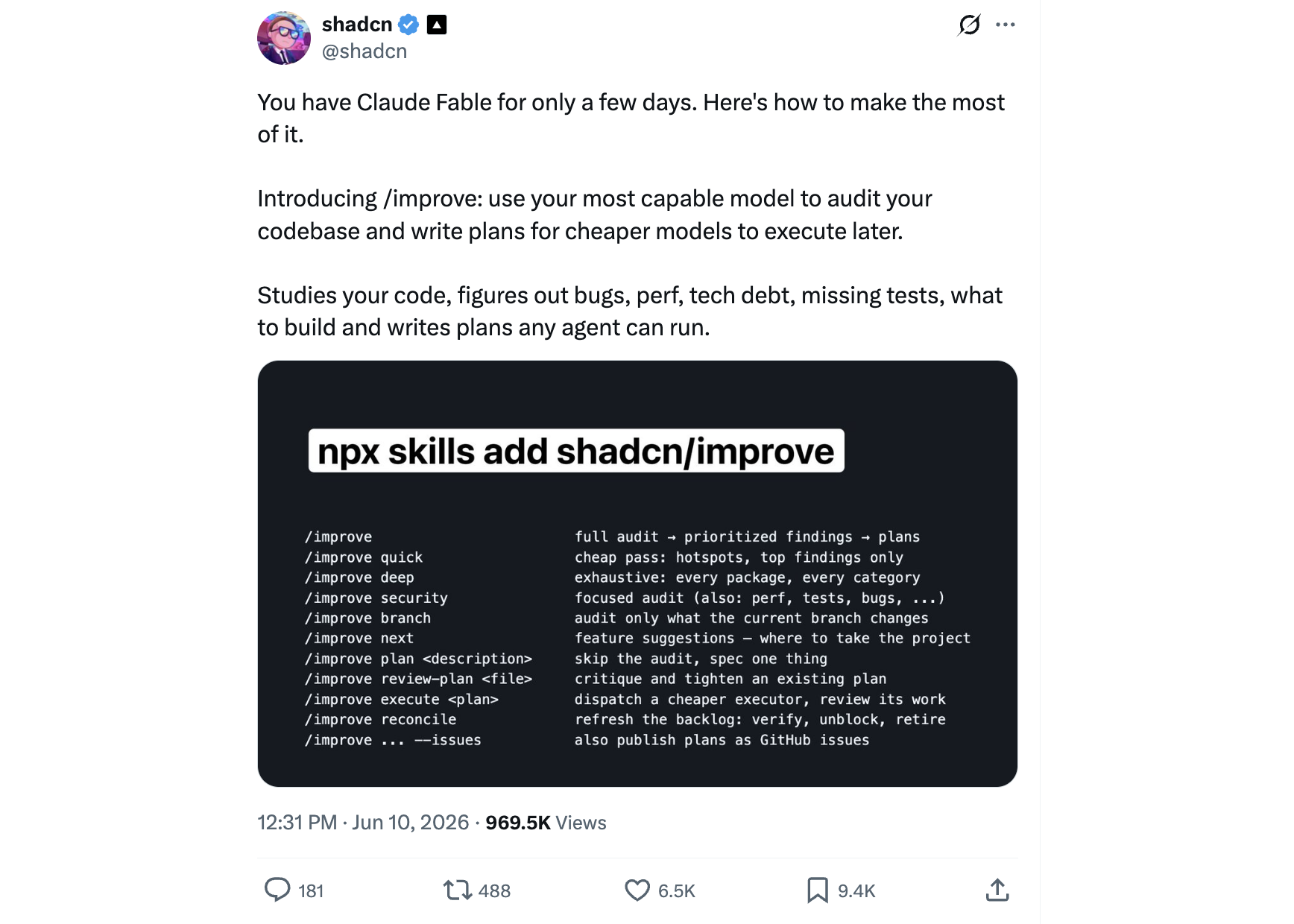
dmytro — @pqoqubbw
Design engineer at Mintlify and creator of lucide-animated, a big open-source set of animated React icons. A fast, low-effort way to add polish: drop in an animated icon and study how a little motion at the micro level lifts an otherwise plain interface.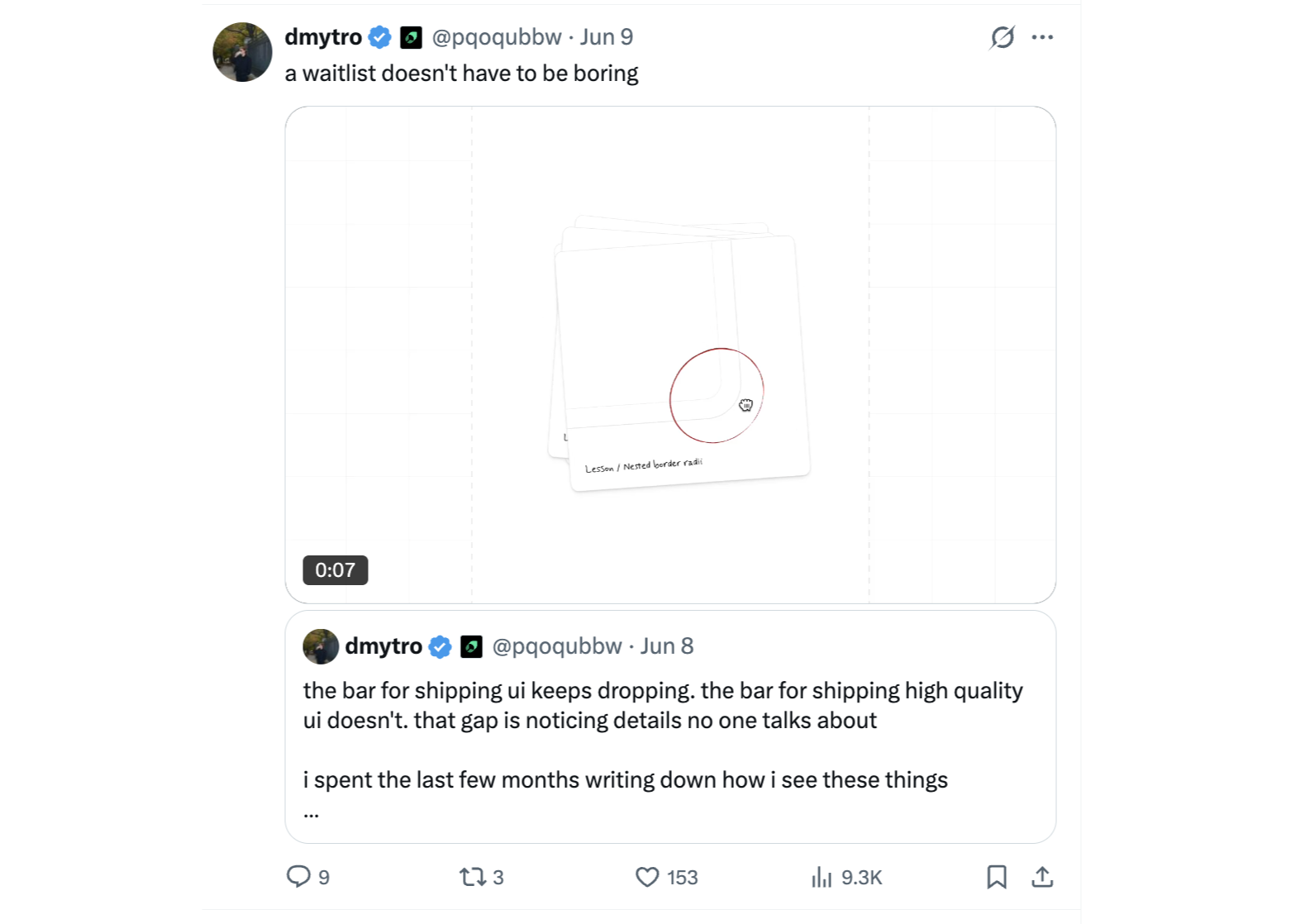
Jhey Tompkins — @jh3yy
Prolific design engineer (Shopify, ex-Vercel, ex-Google Chrome CSS team) and author of “Move Things With CSS.” An endless stream of creative CSS and animation demos that teach modern CSS as it ships—great for learning what's possible in pure CSS before you reach for a library.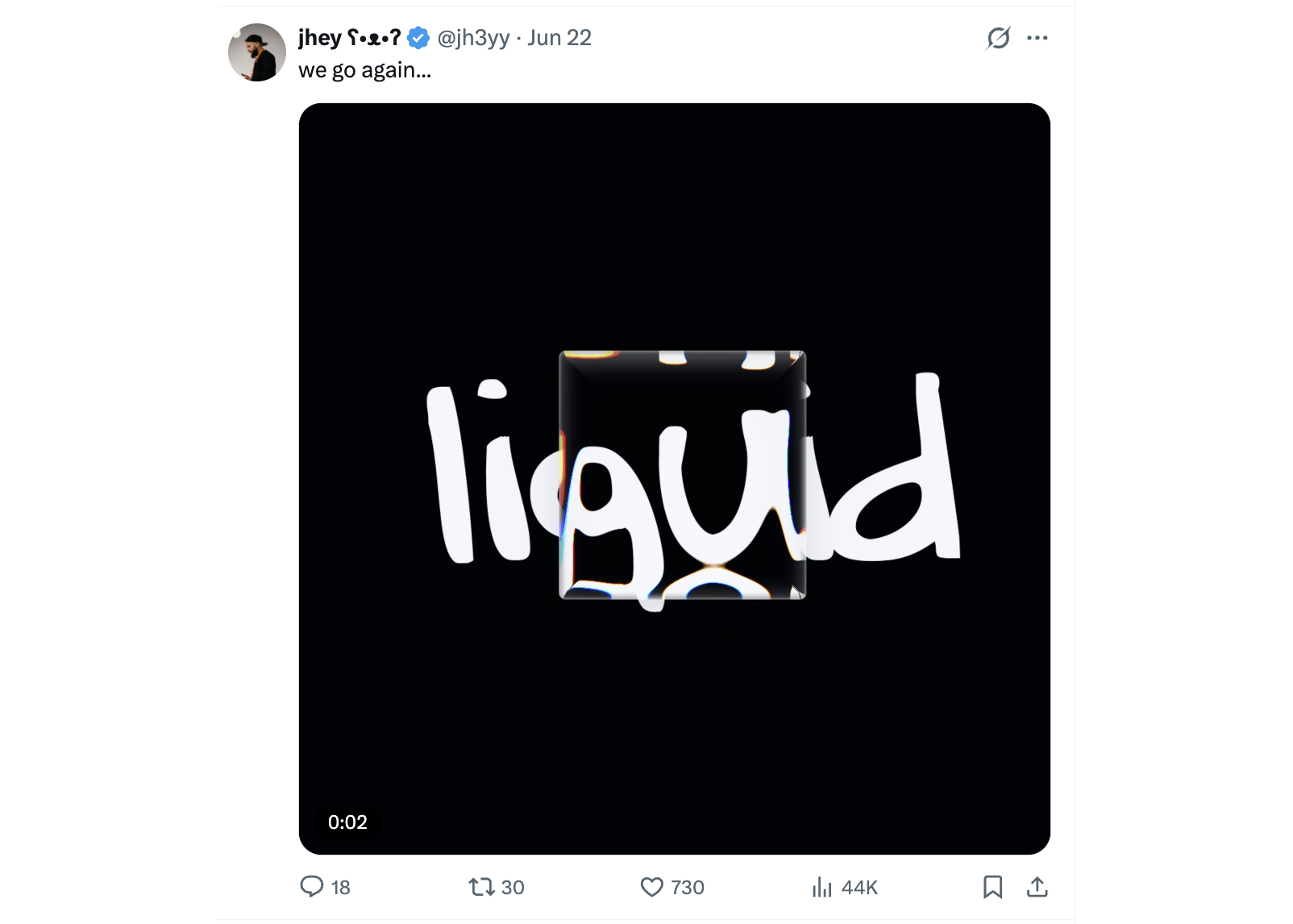
Ryo Lu — @ryolu_
Head of Design at Cursor (five years at Notion before that). He designs the tool many vibe coders build in, and shares a thoughtful “software as clay” philosophy plus behind-the-scenes on Cursor's visual system. Inspiration straight from the frontier of AI-assisted coding.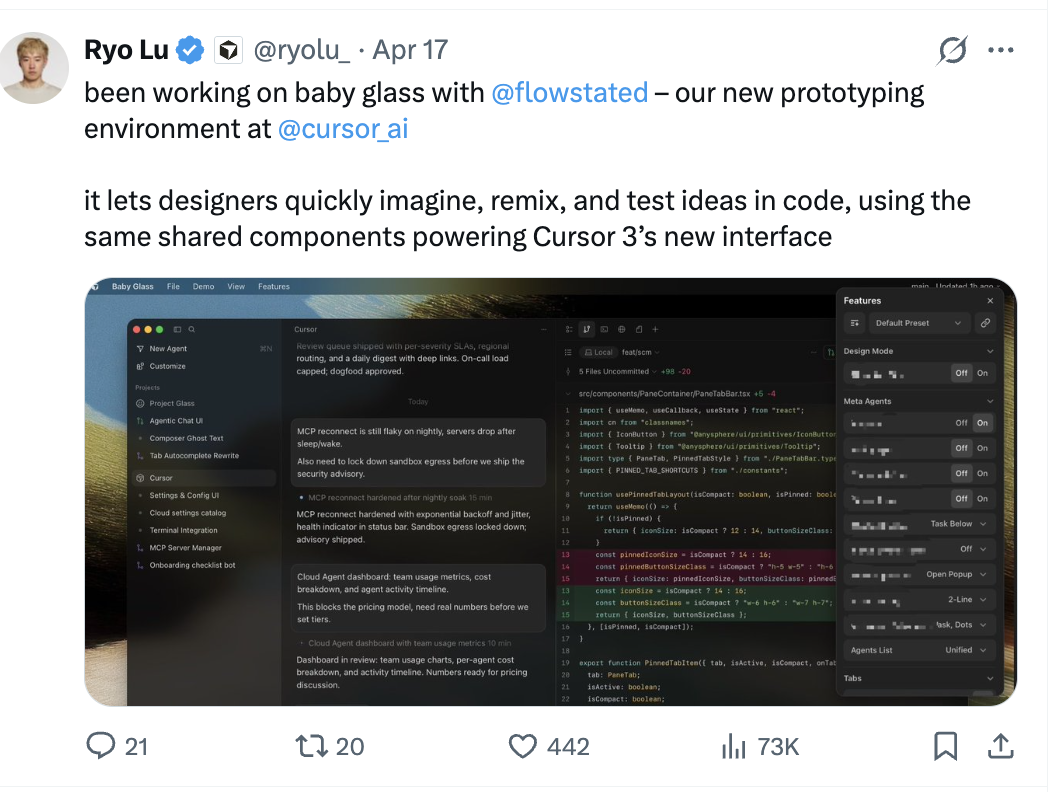
Benji Taylor — @benjitaylor
Designer behind Family, the crypto wallet routinely cited as one of the best-designed apps ever made. His ~4,000-word breakdown of how it was designed—with 50+ examples of motion and restraint—is a masterclass in the kind of “invisible” craft worth studying even if you'll never build a wallet.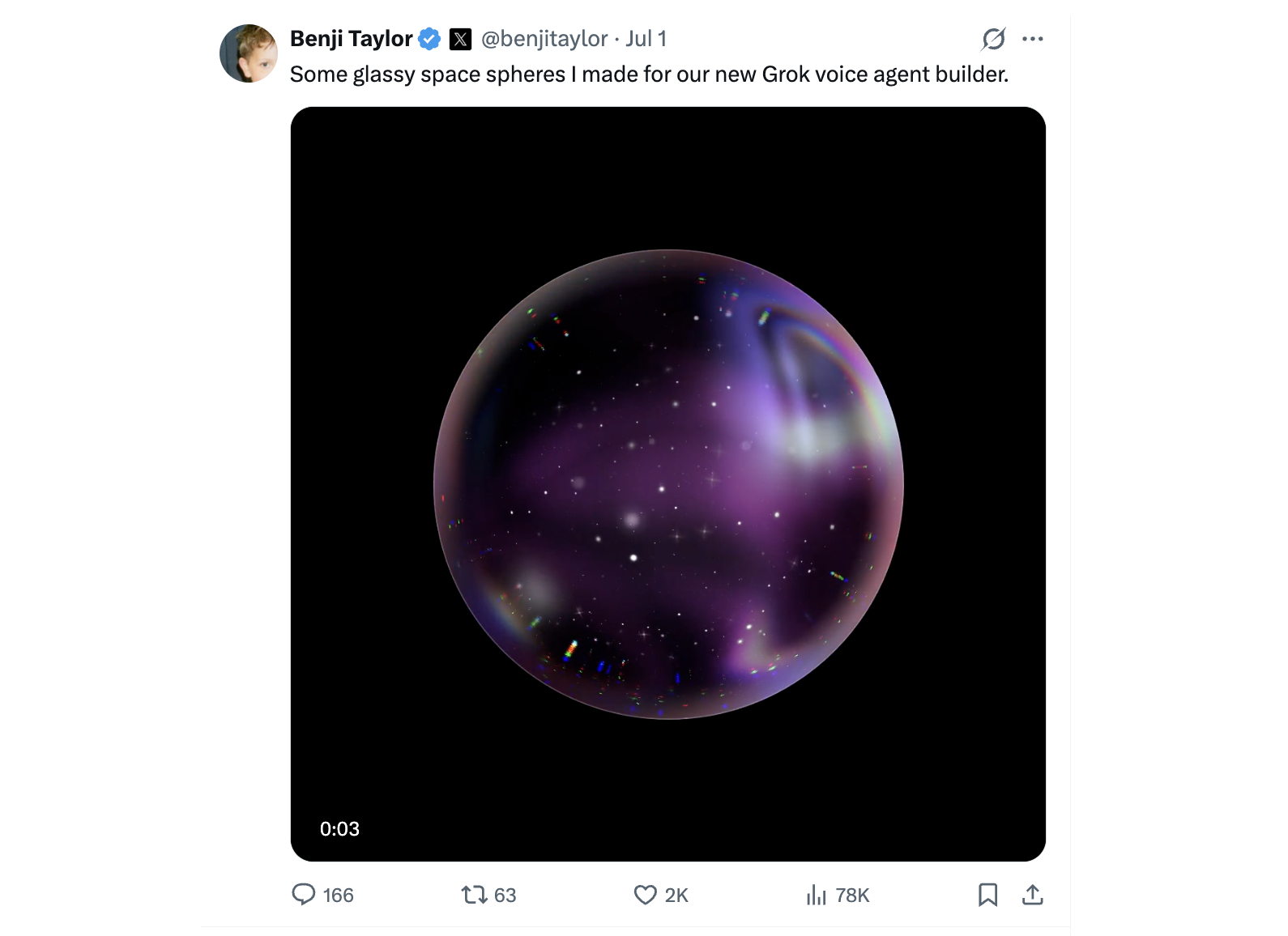
Emil Kowalski — @emilkowalski
Design engineer at Linear (ex-Vercel) and creator of the animations.dev course, plus the Sonner toast and Vaul drawer libraries you've probably already used. The single best follow for learning when—and when not—to animate. His rule of thumb, “speed beats delight; decide what not to animate,” is exactly the discipline that separates polished apps from over-animated AI slop.
Rauno Freiberg — @raunofreiberg
Design engineer at Vercel (ex–Browser Company / Arc) and author of “Devouring Details.” Obsessive about the micro-details—focus states, hover, keyboard navigation, spring physics—that make software feel expensive. Follow him to understand why a Linear-grade UI feels different from a default template even when you can't name what's different.
shadcn — @shadcn
Design engineer at Vercel and creator of shadcn/ui, the component library that v0, Lovable, and most AI tools reach for by default. If your generated code is full of shadcn components (it almost certainly is), this is the source. Learn to theme, extend, and recombine them so your app doesn't look like every other shadcn default.
dmytro — @pqoqubbw
Design engineer at Mintlify and creator of lucide-animated, a big open-source set of animated React icons. A fast, low-effort way to add polish: drop in an animated icon and study how a little motion at the micro level lifts an otherwise plain interface.
Jhey Tompkins — @jh3yy
Prolific design engineer (Shopify, ex-Vercel, ex-Google Chrome CSS team) and author of “Move Things With CSS.” An endless stream of creative CSS and animation demos that teach modern CSS as it ships—great for learning what's possible in pure CSS before you reach for a library.
Ryo Lu — @ryolu_
Head of Design at Cursor (five years at Notion before that). He designs the tool many vibe coders build in, and shares a thoughtful “software as clay” philosophy plus behind-the-scenes on Cursor's visual system. Inspiration straight from the frontier of AI-assisted coding.
Benji Taylor — @benjitaylor
Designer behind Family, the crypto wallet routinely cited as one of the best-designed apps ever made. His ~4,000-word breakdown of how it was designed—with 50+ examples of motion and restraint—is a masterclass in the kind of “invisible” craft worth studying even if you'll never build a wallet.
Motion, Typography & Craft
Polish lives in the details these three obsess over—the way things move, the type they're set in, and the identity holding it all together.
Cassie Evans — @cassiecodes
Developer advocate at GSAP and an SVG / web-animation specialist. The go-to voice for motion done tastefully—scroll animation, SVG, and timelines that add life without tipping into gimmick.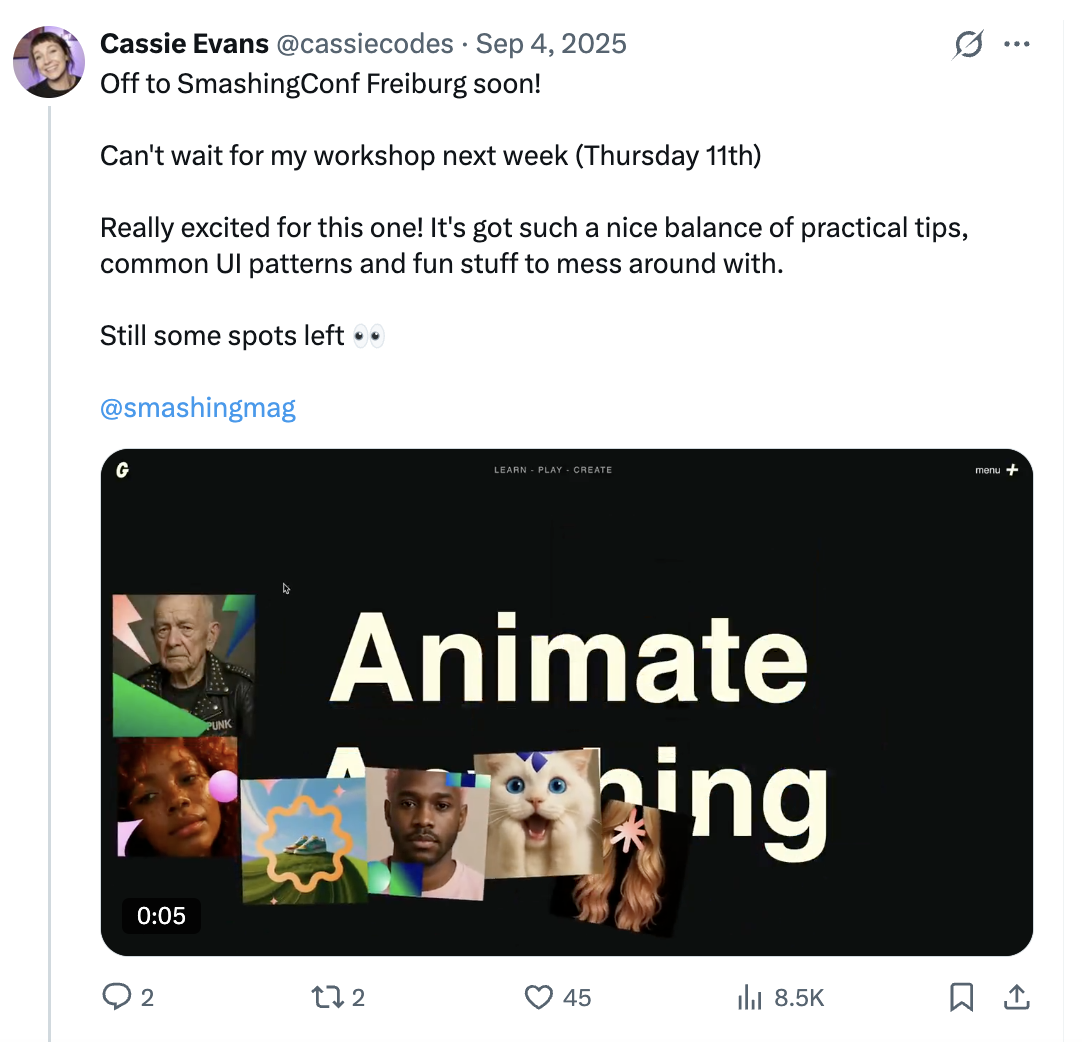
Rasmus Andersson — @rsms
Creator of Inter, the default UI typeface of Linear, GitHub, Figma, and half the modern web. Typography is the single fastest way to make an app look intentional; following the person behind the industry-standard typeface teaches you how type choices shape how a product feels.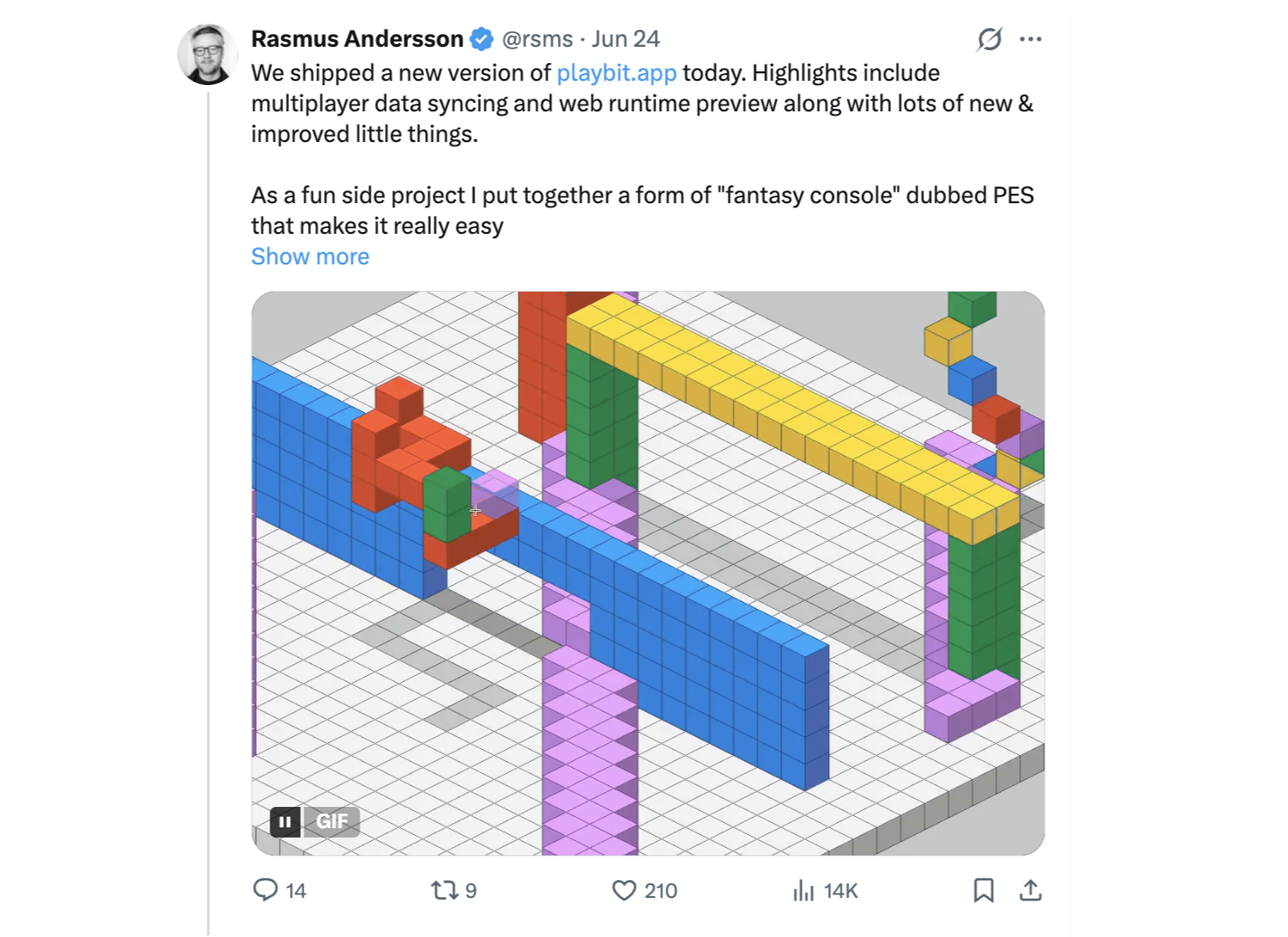
Tobias van Schneider — @vanschneider
Creative director (ex-Spotify design lead) and co-founder of Semplice and mymind. A higher-altitude follow about brand, identity, and creative direction—a useful counterweight to all the component-level tips when you're trying to give your product a point of view.
Cassie Evans — @cassiecodes
Developer advocate at GSAP and an SVG / web-animation specialist. The go-to voice for motion done tastefully—scroll animation, SVG, and timelines that add life without tipping into gimmick.
Rasmus Andersson — @rsms
Creator of Inter, the default UI typeface of Linear, GitHub, Figma, and half the modern web. Typography is the single fastest way to make an app look intentional; following the person behind the industry-standard typeface teaches you how type choices shape how a product feels.
Tobias van Schneider — @vanschneider
Creative director (ex-Spotify design lead) and co-founder of Semplice and mymind. A higher-altitude follow about brand, identity, and creative direction—a useful counterweight to all the component-level tips when you're trying to give your product a point of view.
Creative Prototypers Doing Original Work
Not every great follow fits a neat category. These five share experimental, one-of-a-kind work—the kind that expands your sense of what an interface can be.
Ryan Stephen — @Ryan__Stephen
Product designer at Microsoft who posts playful, one-off prototypes—spatial and AR experiments, gesture-driven interactions, ideas built just to see if they feel good. Follow him for a steady reminder that interfaces can be surprising, not just functional.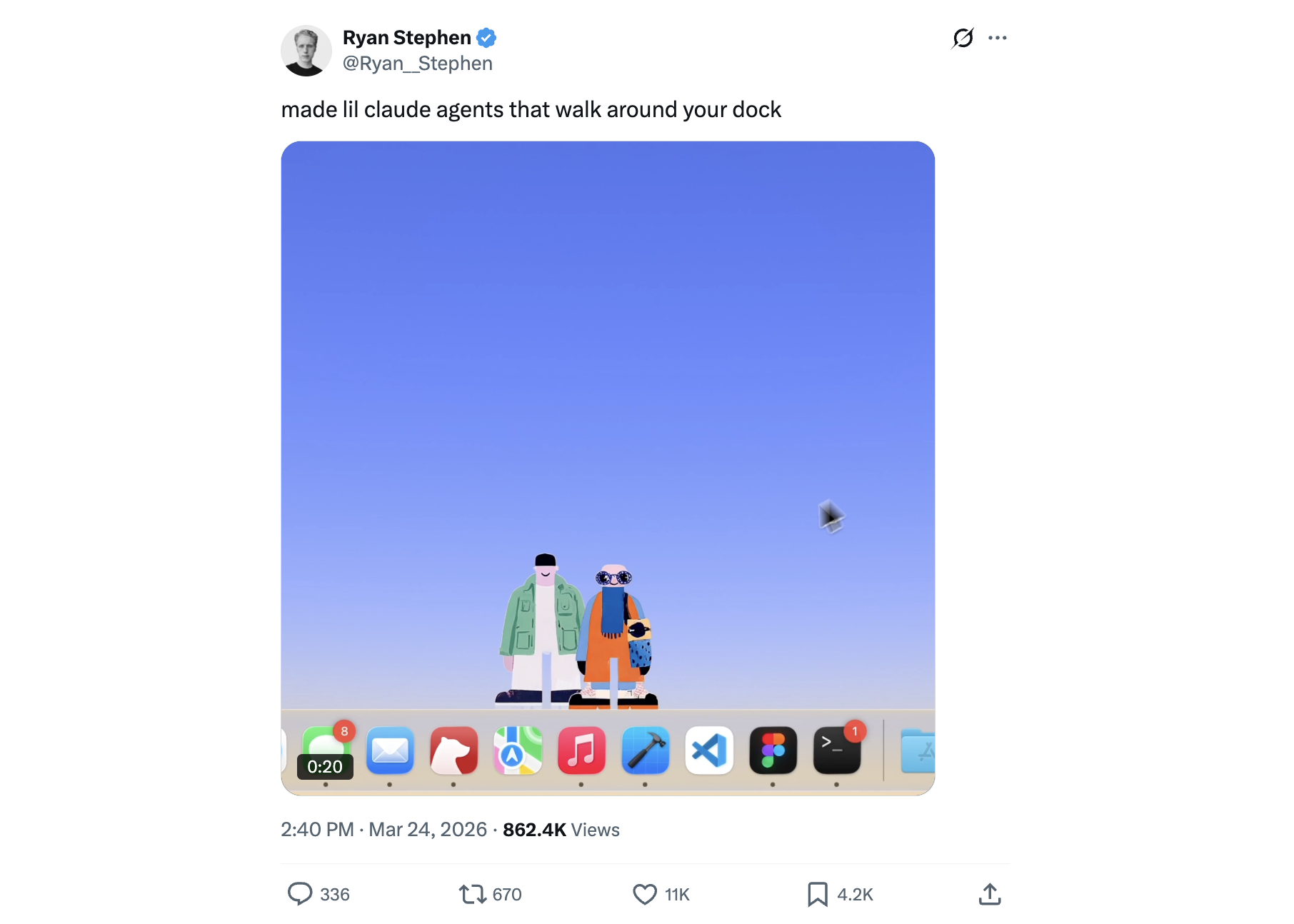
Minsang Choi — @radiofun8
Designer at Meta who rebuilds the hard-to-nail interactions—the AirDrop animation, fluid transitions—in SwiftUI and Metal shaders, and often shares the code. A masterclass in reverse-engineering the motion details that make an app feel alive.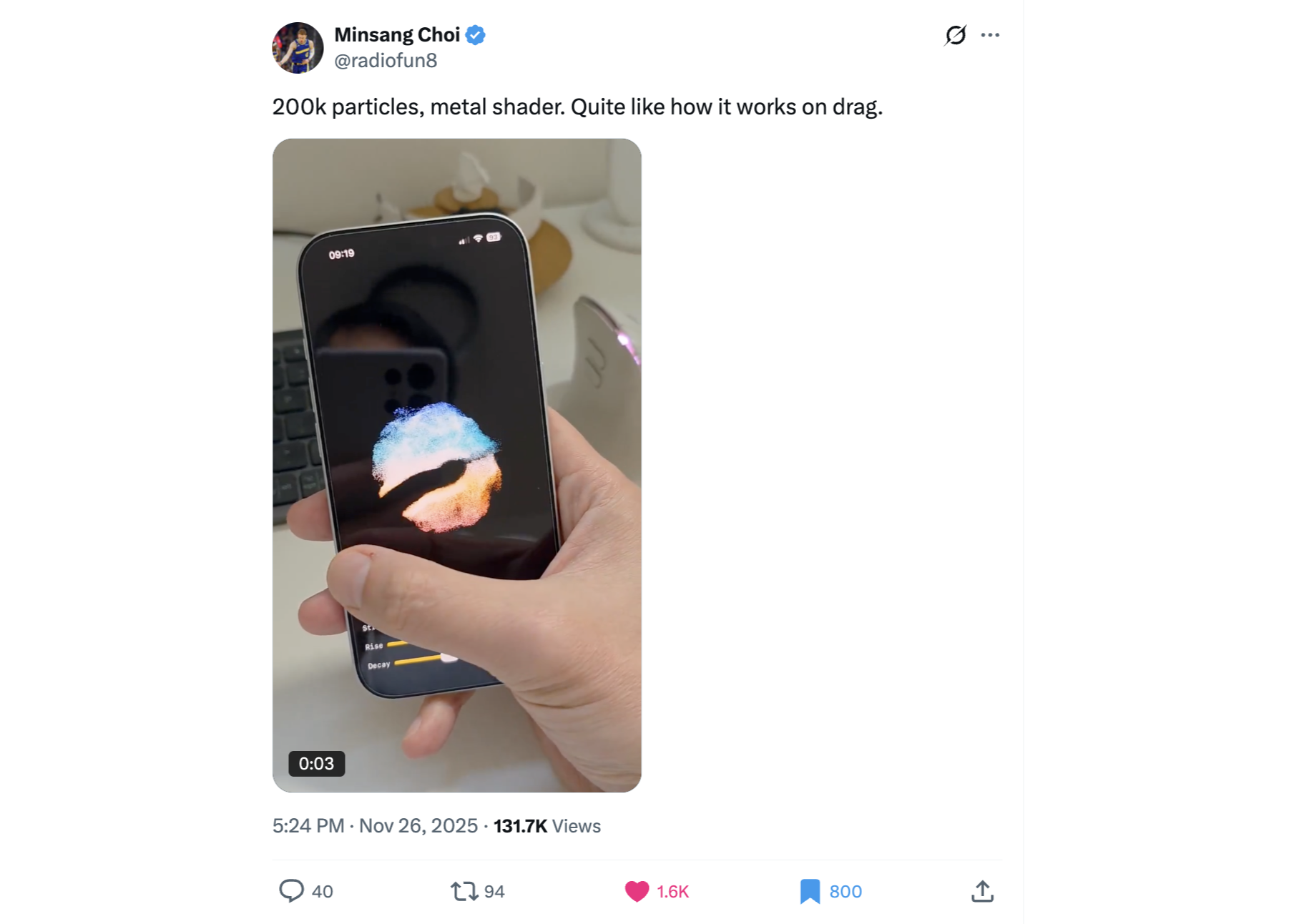
Xavier (Jack) — @KMkota0
Designer who specializes in 3D web experiences—he's behind the kind of interactive WebGL work (the viral Amie site and its balloons) that makes people stop and play. Follow for inspiration on bringing depth and physics into an otherwise flat page.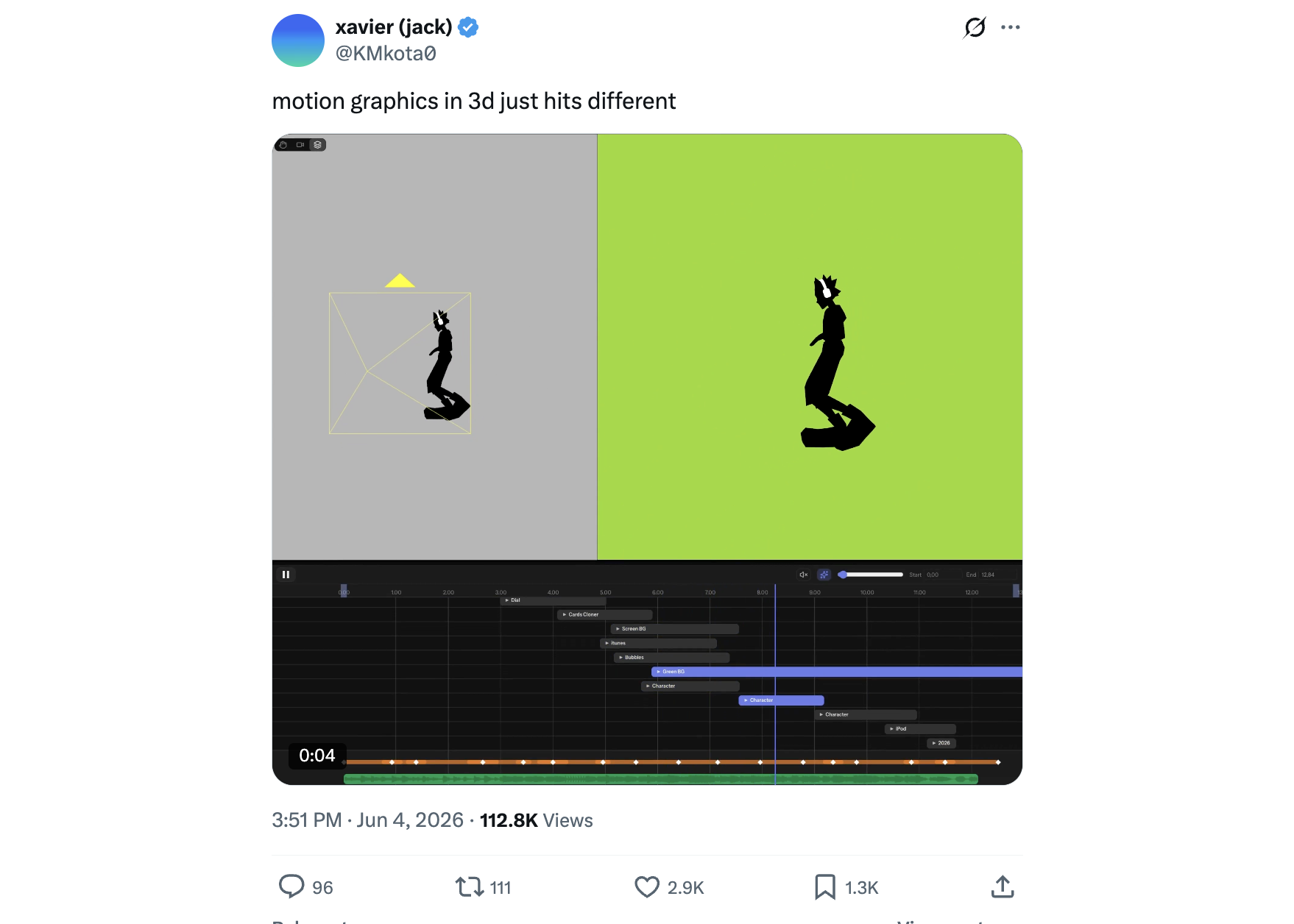
Basit A. Khan — @basit_designs
Product designer posting a constant stream of polished landing-page and UI concepts, usually with the animation baked in. A great feed to scroll when you need a fresh reference for how a modern marketing page should look and move.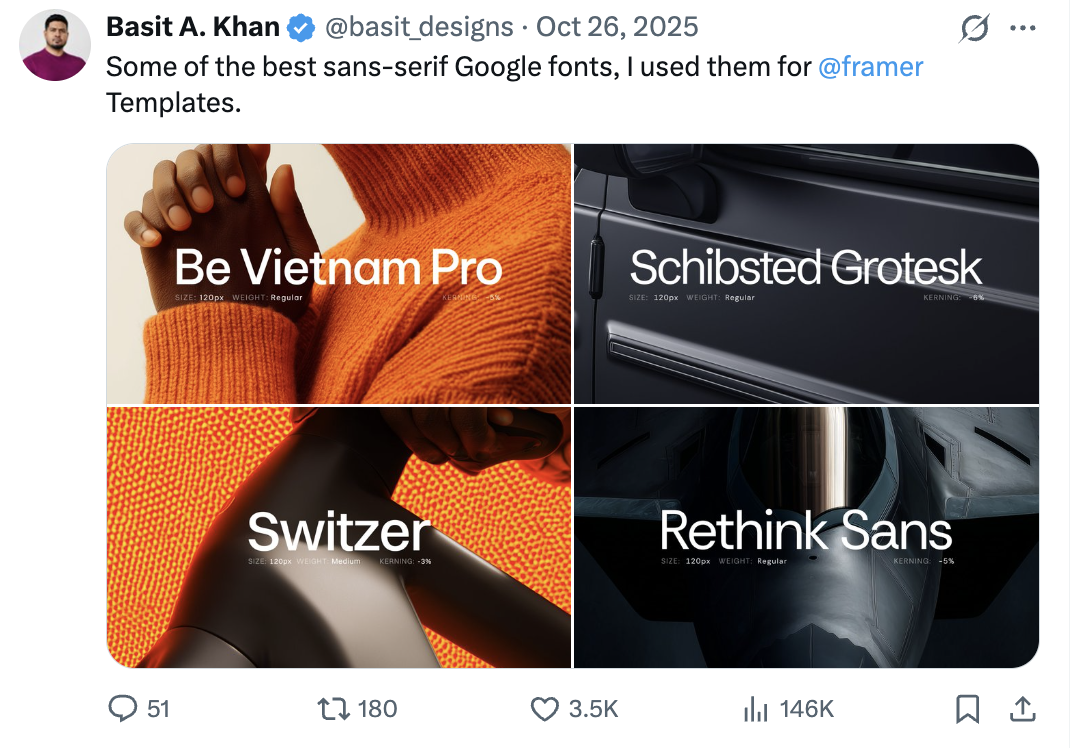
MEK — @michaelmicasso
Indonesian visual artist, typographer, and web developer whose feed is a steady stream of pixel art, custom typefaces, and interactive web experiments. Follow him when you want proof that type and craft can be playful—a welcome antidote to safe, templated UI.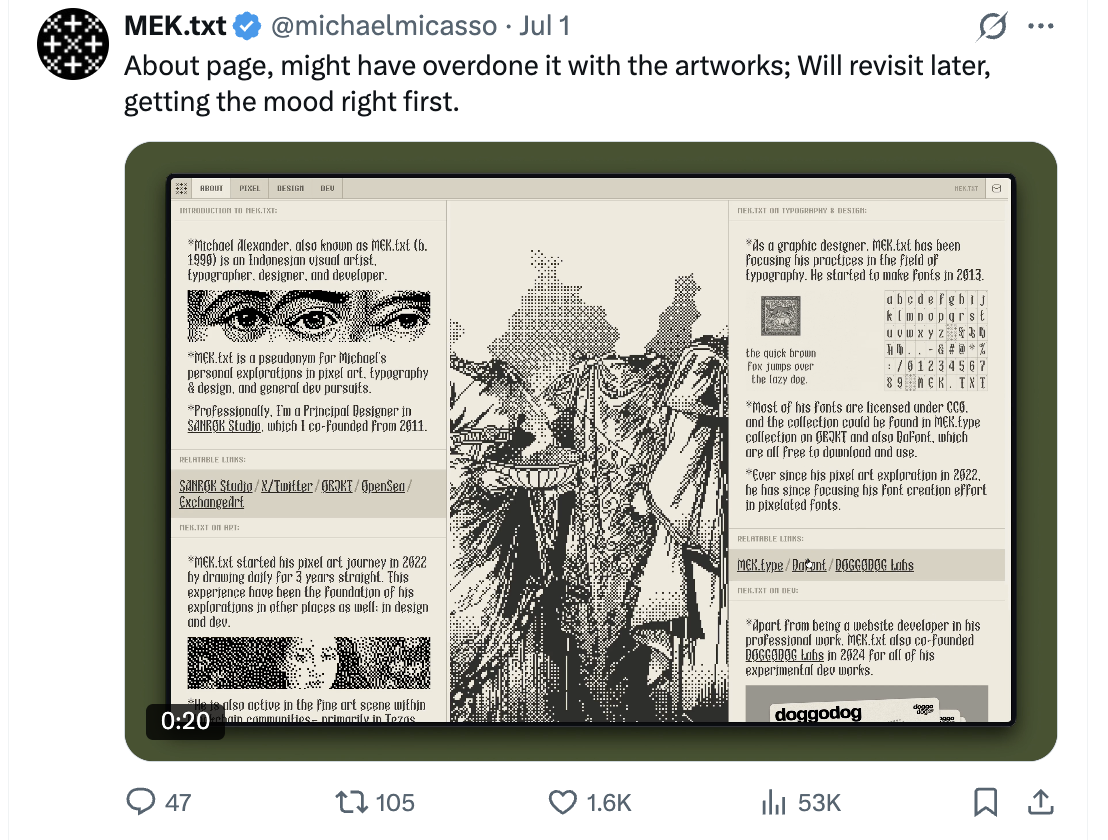
Ryan Stephen — @Ryan__Stephen
Product designer at Microsoft who posts playful, one-off prototypes—spatial and AR experiments, gesture-driven interactions, ideas built just to see if they feel good. Follow him for a steady reminder that interfaces can be surprising, not just functional.
Minsang Choi — @radiofun8
Designer at Meta who rebuilds the hard-to-nail interactions—the AirDrop animation, fluid transitions—in SwiftUI and Metal shaders, and often shares the code. A masterclass in reverse-engineering the motion details that make an app feel alive.
Xavier (Jack) — @KMkota0
Designer who specializes in 3D web experiences—he's behind the kind of interactive WebGL work (the viral Amie site and its balloons) that makes people stop and play. Follow for inspiration on bringing depth and physics into an otherwise flat page.
Basit A. Khan — @basit_designs
Product designer posting a constant stream of polished landing-page and UI concepts, usually with the animation baked in. A great feed to scroll when you need a fresh reference for how a modern marketing page should look and move.
MEK — @michaelmicasso
Indonesian visual artist, typographer, and web developer whose feed is a steady stream of pixel art, custom typefaces, and interactive web experiments. Follow him when you want proof that type and craft can be playful—a welcome antidote to safe, templated UI.
How to Actually Use X as a Design Research Tool
Following these accounts is step one. Turn that into a real research habit:
1. Build a private “Design” List. Add every account above to a dedicated X List and keep it private. Reading that List timeline instead of your algorithmic feed gives you a pure, high-signal stream of design work with zero noise. This is the single highest-leverage move. And if you want a curated stream without building your own, follow Best Designs On (@bestdesignsonx), which reposts standout UI, branding, and landing-page work hourly and credits the original makers—a fast way to discover new people to add to your List.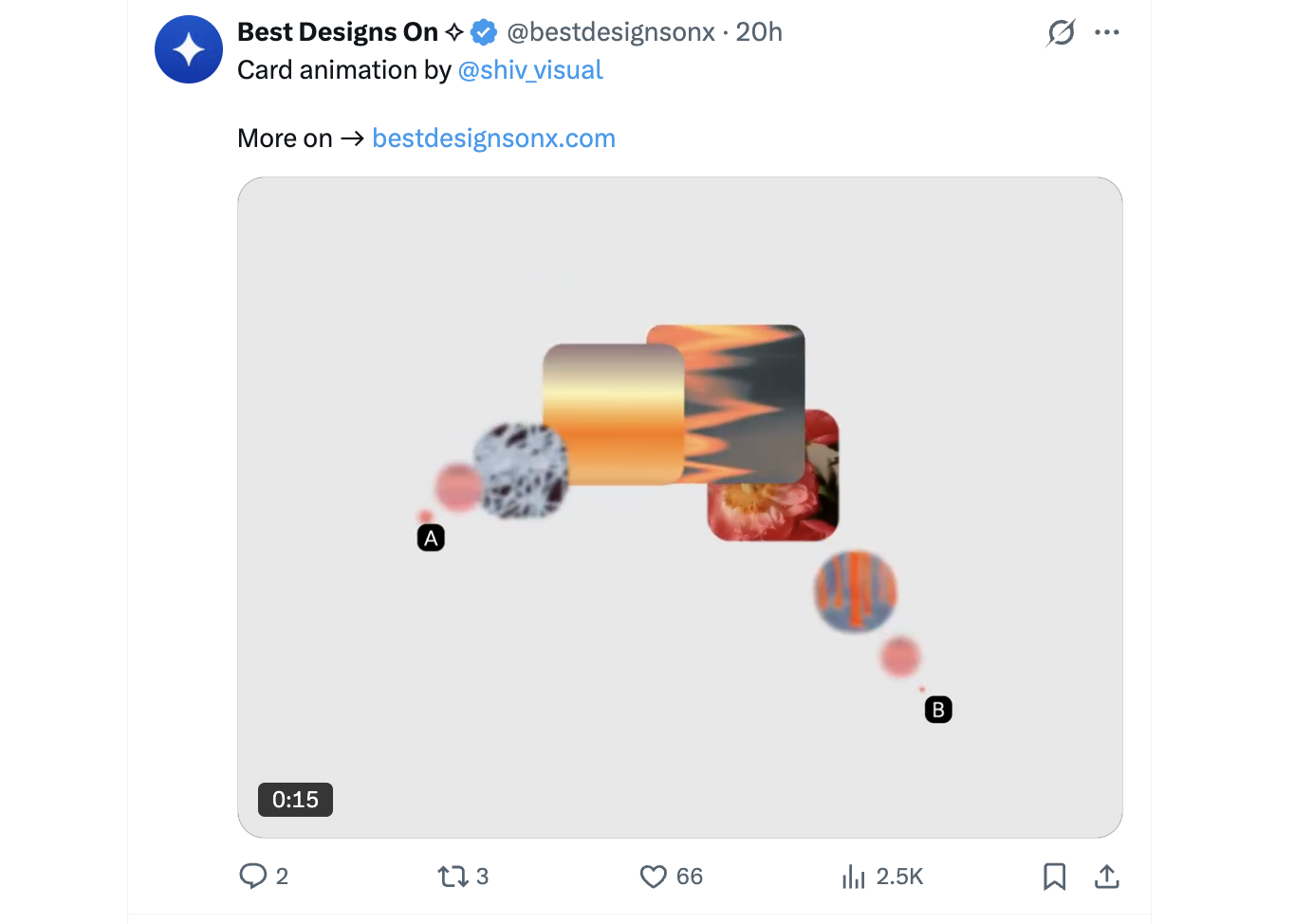
2. Bookmark relentlessly—then organize. When you see a UI, animation, or landing page you love, bookmark it and sort it into Bookmark Folders (“landing pages,” “motion,” “empty states”). Your bookmarks become a personal swipe file you can pull from when your AI tool needs direction.
3. Search for teardowns and before/afters. Terms like
4. Reverse-engineer the polish. When an app looks great, find the maker's account and hunt for their “how we designed X” thread (Family, Linear, and Vercel all have famous ones). Reading a designer's own reasoning teaches you the decisions behind the pixels—exactly what a non-designer needs to internalize.
1. Build a private “Design” List. Add every account above to a dedicated X List and keep it private. Reading that List timeline instead of your algorithmic feed gives you a pure, high-signal stream of design work with zero noise. This is the single highest-leverage move. And if you want a curated stream without building your own, follow Best Designs On (@bestdesignsonx), which reposts standout UI, branding, and landing-page work hourly and credits the original makers—a fast way to discover new people to add to your List.
2. Bookmark relentlessly—then organize. When you see a UI, animation, or landing page you love, bookmark it and sort it into Bookmark Folders (“landing pages,” “motion,” “empty states”). Your bookmarks become a personal swipe file you can pull from when your AI tool needs direction.
3. Search for teardowns and before/afters. Terms like
UI teardown, redesign, before after, or a product name plus “design” surface thread-length breakdowns that explain why something works—far more useful than screenshots alone. The reply threads are where practitioners argue the details.4. Reverse-engineer the polish. When an app looks great, find the maker's account and hunt for their “how we designed X” thread (Family, Linear, and Vercel all have famous ones). Reading a designer's own reasoning teaches you the decisions behind the pixels—exactly what a non-designer needs to internalize.
Accessibility & Where the Conversation Lives
Most AI-generated apps get accessibility wrong—invisible focus states, poor contrast, no keyboard support. Sara Soueidan (@SaraSoueidan) is one of the best inclusive-design educators around, though these days she's most active on Bluesky and Mastodon—worth seeking out wherever you read.
To plug into the wider conversation, follow the product accounts this whole scene orbits—Tailwind (@tailwindcss), shadcn/ui (@shadcn), and v0—and keep an eye on a few tags: #buildinpublic (indie makers sharing works-in-progress, with lots of landing-page and design iteration), #designengineering (the design-plus-code crossover this entire list orbits), and #webanimation / #CSS (where the motion crowd posts their demos).
To plug into the wider conversation, follow the product accounts this whole scene orbits—Tailwind (@tailwindcss), shadcn/ui (@shadcn), and v0—and keep an eye on a few tags: #buildinpublic (indie makers sharing works-in-progress, with lots of landing-page and design iteration), #designengineering (the design-plus-code crossover this entire list orbits), and #webanimation / #CSS (where the motion crowd posts their demos).
Educators Who Post Actual, Actionable Tips
If you want rules and repeatable moves rather than “develop taste over ten years,” these accounts hand you the shortcuts.
Steve Schoger — @steveschoger
Partner at Tailwind Labs and co-author of Refactoring UI—the most quotable “design for developers” resource there is. Bite-sized before/after tips on spacing, color, shadows, and hierarchy that a non-designer can apply in the next ten minutes. If you follow one person on this list, make it this one.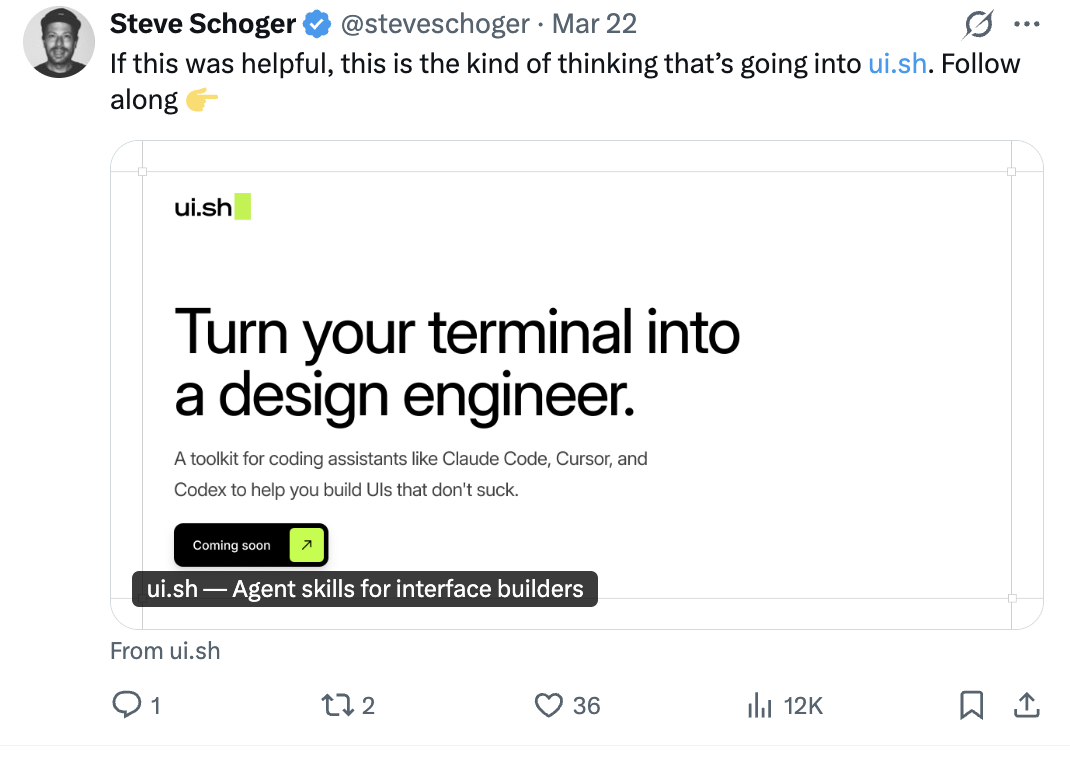
Adam Wathan — @adamwathan
Creator of Tailwind CSS and Schoger's Refactoring UI co-author. Since almost every AI-generated UI is Tailwind under the hood, his takes on practical UI workflow and design decisions are foundational.
Erik Kennedy — @erikdkennedy
Founder of Learn UI Design. Teaches design as clear, rule-based decisions—font choice, color, spacing—rather than “taste.” Perfect if you want a checklist you can actually follow instead of vibes.
Anthony Hobday — @hobdaydesign
Product designer whose “visual design rules you can safely follow every time” is one of the most-shared design resources on X. Objective, do-this-not-that guidance that removes the guesswork for non-designers.
Tommy Geoco — @itsdesignertom
Product designer and mentor who runs live UI teardowns and critiques of real products and landing pages. Watching someone evaluate an interface out loud is one of the fastest ways to sharpen your own eye.
Meng To — @MengTo
Founder of Design+Code, a long-running school for people crossing between design and code. His threads and tutorials are aimed squarely at designers learning to code and coders learning to design—i.e., exactly you.
Steve Schoger — @steveschoger
Partner at Tailwind Labs and co-author of Refactoring UI—the most quotable “design for developers” resource there is. Bite-sized before/after tips on spacing, color, shadows, and hierarchy that a non-designer can apply in the next ten minutes. If you follow one person on this list, make it this one.
Adam Wathan — @adamwathan
Creator of Tailwind CSS and Schoger's Refactoring UI co-author. Since almost every AI-generated UI is Tailwind under the hood, his takes on practical UI workflow and design decisions are foundational.
Erik Kennedy — @erikdkennedy
Founder of Learn UI Design. Teaches design as clear, rule-based decisions—font choice, color, spacing—rather than “taste.” Perfect if you want a checklist you can actually follow instead of vibes.
Anthony Hobday — @hobdaydesign
Product designer whose “visual design rules you can safely follow every time” is one of the most-shared design resources on X. Objective, do-this-not-that guidance that removes the guesswork for non-designers.
Tommy Geoco — @itsdesignertom
Product designer and mentor who runs live UI teardowns and critiques of real products and landing pages. Watching someone evaluate an interface out loud is one of the fastest ways to sharpen your own eye.
Meng To — @MengTo
Founder of Design+Code, a long-running school for people crossing between design and code. His threads and tutorials are aimed squarely at designers learning to code and coders learning to design—i.e., exactly you.
Turning Inspiration Into a Better-Looking App
Following the right people trains your eye—but inspiration only pays off when it makes it into your product. Once you've filled your feed, come back to the fundamentals: our design tips for your vibe coded project for the tactical fixes, and our practical guide to design for AI builders for the systems thinking underneath them. Screenshot something you love from X, paste it into Cursor or v0, and say “make it feel like this”—that loop, repeated, is how taste becomes muscle memory.
And when you want an objective read on whether your polish is landing, Differ imports your app from GitHub and scans it for the UX, performance, and security issues your users would notice first—then hands you concrete fixes to review and ship.
And when you want an objective read on whether your polish is landing, Differ imports your app from GitHub and scans it for the UX, performance, and security issues your users would notice first—then hands you concrete fixes to review and ship.